In Falsus Tools
Hardware and binds — the two things that stop demo players before charts do.
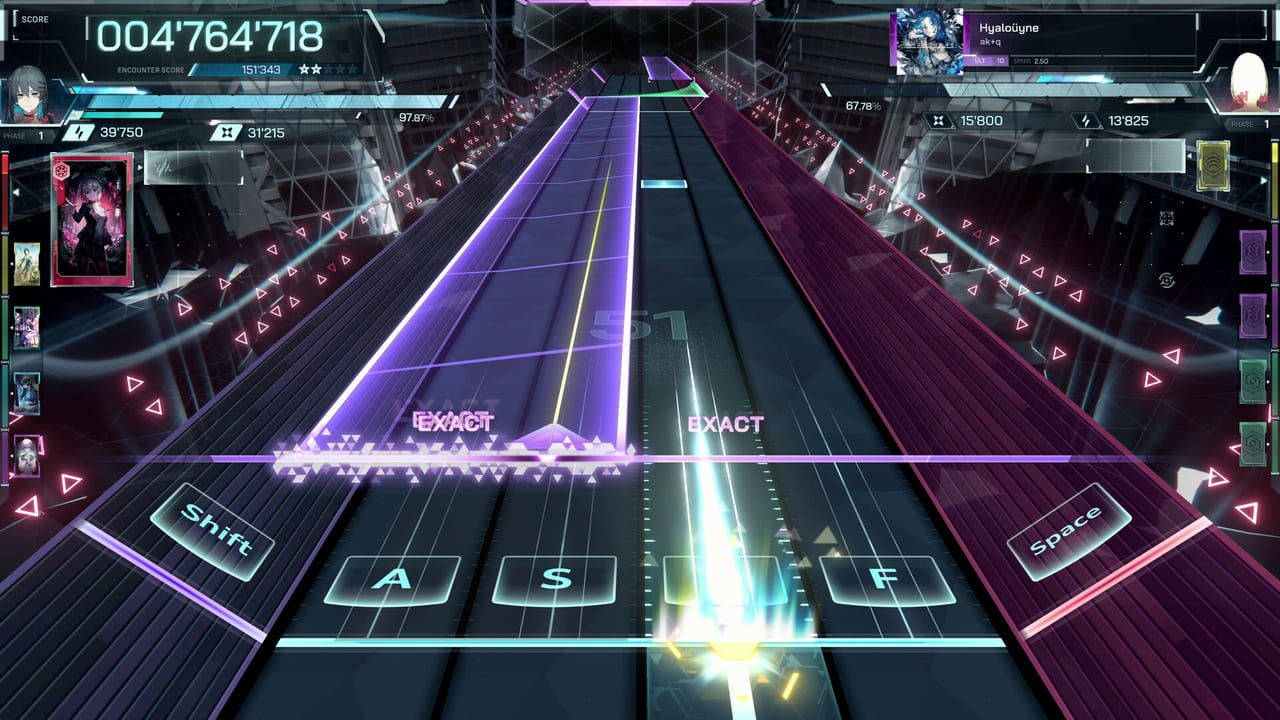
In Falsus does not need a damage calculator. It needs a PC that can hold 60 fps on a moving 3D playfield, and a keyboard layout that does not require a mythical sixth finger on day one. This hub points at those two tools.
- PC system requirements — Steam minimums, Deck Playable note, audio latency habits.
- Keybind planner — default Shift / A / S / D / F / Space, MIN four-key subsets, remap recipes.
Why tools sit beside guides
The controls guide teaches the playfield. The keybind planner stores layouts. The getting started page tells you to install. System requirements tell you whether install is even reasonable. Split that way so a 600-word hardware page does not bury flick advice.
What we will not ship as a “tool”
- A codes redeem form. There are no codes.
- A fake Iota optimizer that claims launch tables.
- A story flowchart with invented endings.
- A Roblox script hub. Wrong platform.
If you want song order, that is the beginner songs page, not a widget.
Suggested use
- Check specs.
- Install the demo.
- Play one MIN with defaults.
- Open the keybind planner only if something hurts.
- Return to guides for everything else.
Tools exist to remove friction. They are not the game. The game is still a novel with a Field.
Demo-week versus launch-week
Before September 9, the spec page is a filter: can your PC even hold the 3D playfield. The bind page is a filter: can your hand hold MIN without a mythical sixth finger. After launch, those same two pages should still be the first stop when a friend says the game is unplayable. Usually they mean fps, latency, or Shift-stretch — not a missing code, and not a missing teammate. In Falsus is single-player Steam software. Tools that pretend otherwise do not belong here.
If you already pass both filters, leave this hub. The useful remaining work is getting started, then a character pick, then one MIN clear. Come back only when hardware or layout changes.
Frequently Asked Questions
Quick answers for demo players and launch-week questions.
Is there an in-site judgement calculator?
No. Official windows are unpublished. Use scoring and the EXACT popup.
Do I need a special keyboard?
No. You need a layout you can hold. See the keybind planner.
Will these tools work on launch day?
Specs and binds should. We will revise if lowiro changes minimums. Watch updates.
Is Steam Deck supported?
Steam says Playable. Details on system requirements.