In Falsus Settings, Audio, and Demo Fixes
Most "broken demo" reports were settings, devices, or a client that was still 0.2.0.
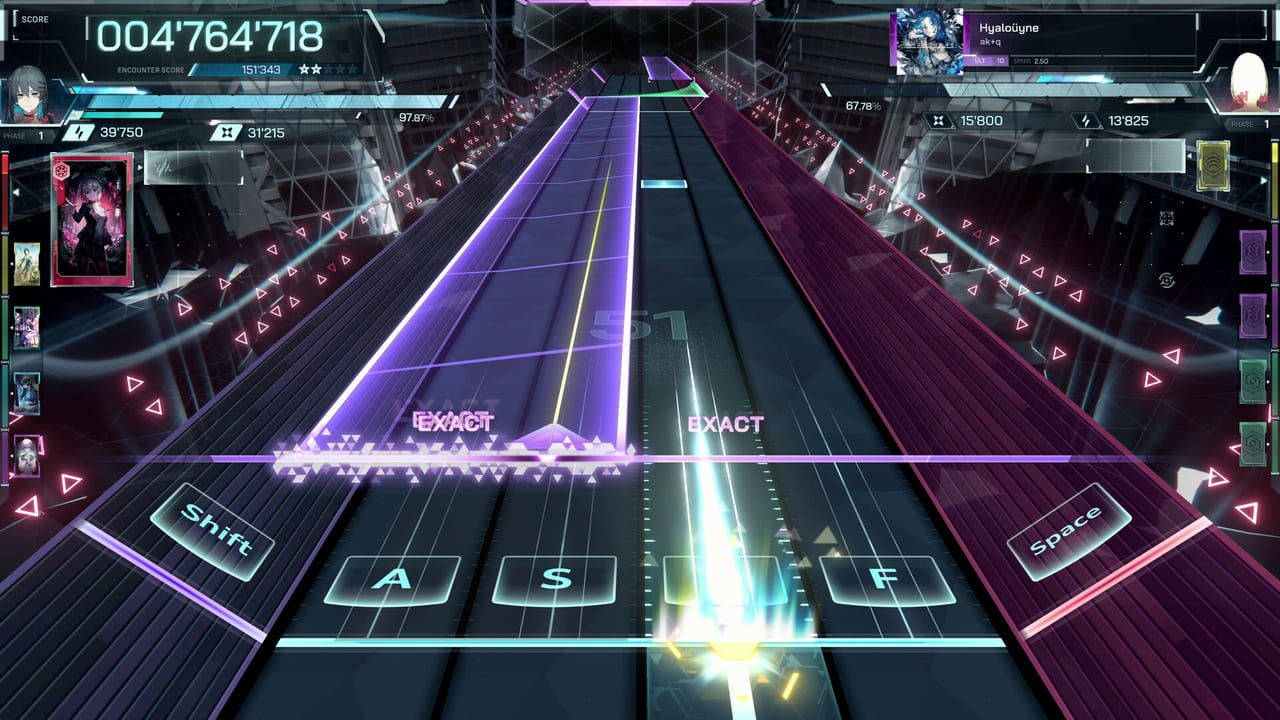
Rhythm games hide misses in latency. Visual novels hide crashes in language packs. In Falsus is both, so the Settings menu matters more than a new keycap set. This page collects what lowiro actually patched in Demo v0.2.1 (Steam news, February 13, 2026) and what you should still check before you blame the chart.
Bind layouts live on controls and the keybind planner. Hardware floors live on system requirements. Version history lives on the demo changelog.
Update before you tune
Steam posted 0.2.1 two days after the February 11 demo. Official fixes included:
- Gameplay soft-lock at the end of play / songs that would not finish
- Lingering background audio after quitting Scenario
- Results scene failing to load
- Pause countdowns overlapping
- Language and font issues when the OS language is Korean
- Various crashes and soft-locks
- Better monitor resolution detection
- More reliable save writes
- Lower memory use during Scenario scenes
- Better audio device setup behavior
If your demo still ends on a frozen judgement line, verify the build in Steam before you remap Shift. 0.3.0 in April is a content drop on top of those stability fixes. You want both.
Audio first
Use headphones. Exclusive-mode or a simple output device beats a virtual surround mixer that adds delay. 0.2.1 specifically improved audio device setup — if you swapped interfaces mid-session in 0.2.0, that was a known pain.
If Scenario music keeps playing after you quit a scene, you are looking at the bug 0.2.1 named. Update, then reboot the client once.
Offset, if your build exposes it, belongs after a stable frame rate. A GTX 980-class minimum with a 4K desktop scaled badly will feel like late EXACTs. Check resolution next.
Display and pause
0.2.1 improved monitor resolution detection. If the playfield is letterboxed wrong or the Field cursor disagrees with the aerial line, try exclusive fullscreen on the display that actually has the mouse, then reboot.
Pause countdown overlap was a real bug: two timers drawing on each other. That is not you failing a restart. Patch, then pause once to confirm a single countdown.
Language, fonts, and Korean Windows
Steam lists English, Japanese, Simplified Chinese, and Traditional Chinese for the game UI. 0.2.1 fixed font issues on systems set to Korean. If glyphs explode or the client crashes on boot, it may be the OS locale, not a corrupt install. Set the in-game language explicitly after launch. This wiki’s links page is not a font download.
Full voice is Japanese. Subtitles follow your UI pick. That is expected, not a missing English dub.
Saves and memory
0.2.1 improved common save-write failures and Scenario memory use. If a crash wipes a session, update, then avoid alt-tabbing through a heavy browser during a long VN scene on 8 GB RAM. Steam Cloud is listed on the store; it is not a promise that a crashed mid-Encounter write will replay cleanly.
Demo progress importing into the September 9 client is still not announced. Play to learn. Do not treat Iota as a currency you must protect. See release date.
Black screens and “the song never ends”
Community threads asked about black screens on first boot. Official 0.2.1 notes do not use that headline, but they do list crashes, soft-locks, and songs that would not finish. Verify game files in Steam, update, then try windowed mode once if exclusive fullscreen hangs.
If Results never appears, that was a named 0.2.1 bug. If it still happens on 0.3.0, it is a new report for Steam discussions — not a wiki guess.
After settings, go play
Settings are a gate, not a hobby. Once audio is clean and the client is 0.3.0, return to getting started and clear a MIN. The Field will still be hard. That part is the game, not a driver.
Frequently Asked Questions
Quick answers for demo players and launch-week questions.
I still hear Scenario music after quitting a scene.
That lingering audio was listed in the 0.2.1 notes. Update the demo, then restart the client.
Korean Windows shows broken fonts.
0.2.1 patched language and font issues for Korean OS settings. Set the in-game language after boot.
The song froze at the end.
Soft-lock at end of play was a 0.2.1 fix. Verify your build, then try one more MIN on Cryogenic.
Where is the rest of the patch list?
On the demo changelog and Steam news for app 3971950.