In Falsus System Requirements
Official Steam minimums, Deck reality, and why headphones matter more than RGB.
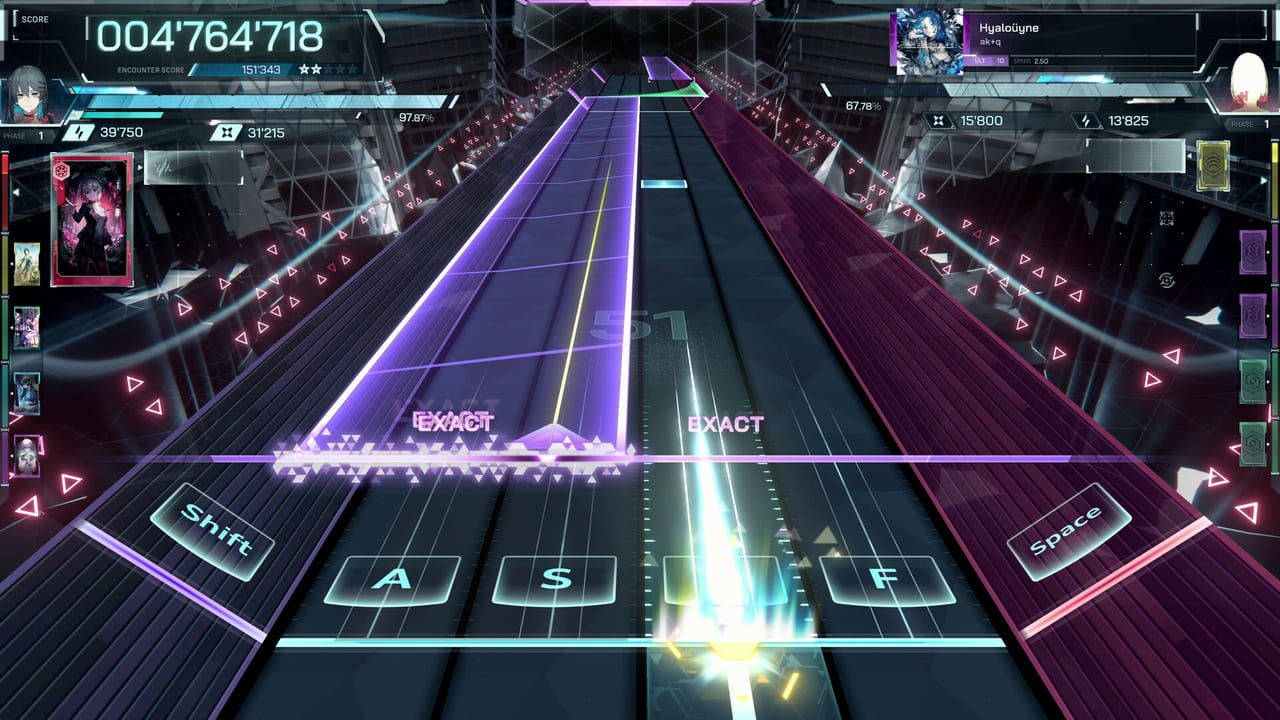
In Falsus is a Unity PC rhythm game with a 3D playfield, a visual-novel layer, and a card lab. That mix is heavier than a 2D lane game even when the chart is MIN 2. Use this page as a go / no-go before you spend an evening fighting frame time instead of flicks.
Steam minimum (cited from the store)
- OS: Windows 10 or newer, 64-bit
- CPU: Intel i5-7500 class
- RAM: 8 GB
- GPU: NVIDIA GeForce GTX 980 class
- DirectX: 11
- Storage: 10 GB available
Recommended specs were not fully expanded on the public store capture we used. If Steam adds a recommended block later, updates will catch it. Do not invent a 3070 recommendation to look precise.
How to read those numbers
The i5-7500 and GTX 980 are 2017-era parts. Plenty of office PCs are weaker. Plenty of laptops with “GTX” stickers are still thermally cooked. If you are under the GPU line, try the demo before September 9 so you know whether launch night is even possible.
10 GB is the disk number, not a promise that the launch client stays 10 GB after 70 songs and full voice. Leave extra space.
Steam Deck
Steam’s compatibility flag is Playable, not Native. Playable means you can run it with caveats: controls, text, or performance may need work. In Falsus was designed around a mouse Field. Deck play means you must fake that Field with a trackpad, gyro, or an attached mouse. That is a project, not a default. If you main Deck, read controls first and expect to experiment.
There is no official controller-native pitch in the store copy. Do not buy a fight stick thinking lowiro documented one.
Display, fps, and judgement
Rhythm games punish frame pacing. Cap to a number your machine can hold. VRR helps if you have it. A 4K screenshot is not a 4K requirement; the playfield wants stable time more than it wants extra pixels. If EXACT feels random, check fps before you remap every key. See scoring.
Audio
Use headphones. Disable spatial surround gimmicks that add processing delay. Exclusive-mode or low-latency output in Windows helps more than a new keycap set. Offset settings, if the build offers them, belong after you have a stable fps, not before.
Laptop-specific
Plug in. Set the GPU to the discrete chip, not Intel iGPU. Close the browser with 40 tabs. The card lab and VN scenes are lighter than a dense ULT Field; the Field is the stress test. If a laptop only stutters on ULT, stay on EVO until you dock it.
Accessibility notes
Steam lists accessibility features under gameplay and audio categories without a full public essay. Remappable keys are the important one for this game. Color on flicks (yellow left, green right) should remain distinguishable; if you need extra contrast, check in-game settings before a third-party overlay.
After you pass the spec check
Install the demo. Run getting started. If the machine is fine and the hands are not, go to the keybind planner. Hardware is the gate; binds are the next gate; charts are the third.
Launch day will not lower the GTX 980 line. If you are shopping, shop now, not during the September 9 Steam sale panic.
Frequently Asked Questions
Quick answers for demo players and launch-week questions.
Can I run In Falsus on 8 GB RAM?
8 GB is the listed minimum. Close background apps. 16 GB is more comfortable but not an official recommended figure we can cite.
Does it run on Steam Deck?
Steam says Playable. The mouse Field is the awkward part. Expect extra setup.
Is there a Mac or Linux build?
Steam lists Windows. Proton is unofficial. We will not promise it.
Will launch raise the spec?
Unknown. Watch the store and updates.